Field & office in sync
The roof and the office, on the same page.
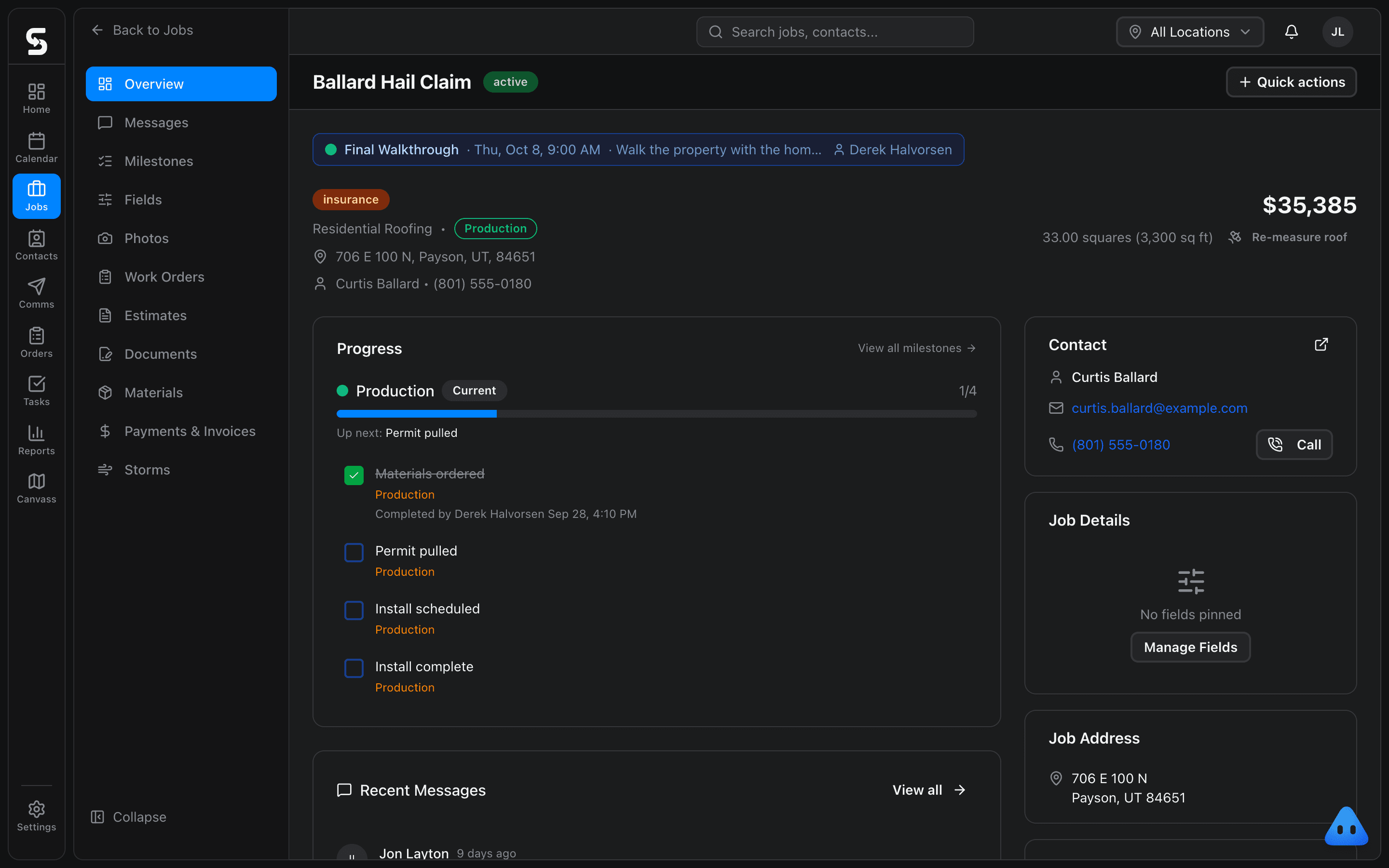
The rep on the roof, the crew on the job, and the office on the phone with the homeowner all look at the same job. Photos, notes, calls, and status land in one place, even when the signal doesn't.
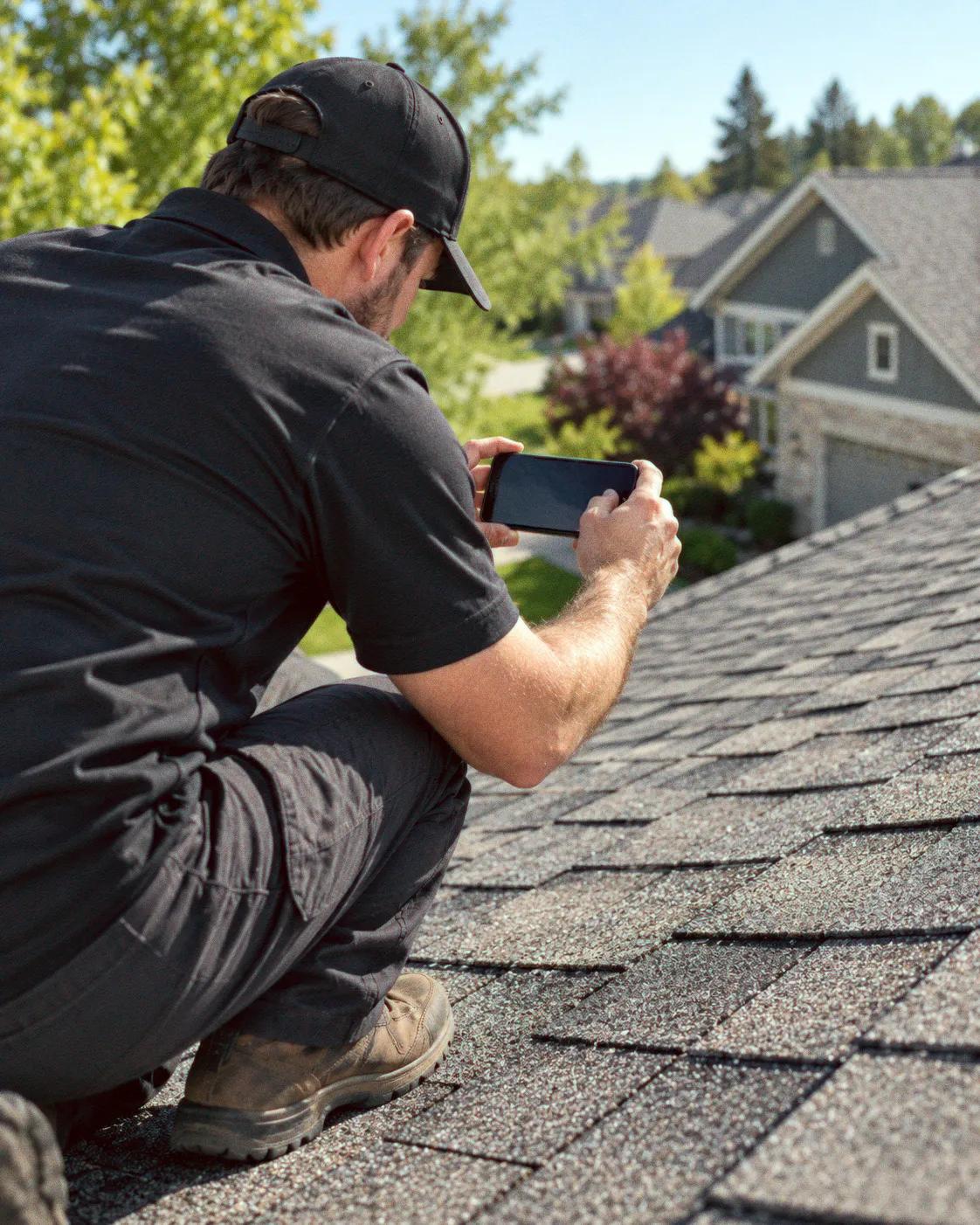
Sound familiar?
What it looks like today.
Updates by group text
Job status, photos, and color selections buried in a thread only three people can see.
No signal on the roof
Apps that need LTE stall in attics and on rural roads, so reps stop using them.
Calls on personal cells
The homeowner has the rep's number, and the history leaves when the rep does.
How StageKit fixes it
What changes when it runs on StageKit.
01
Works without signal
Changes save on the phone and sync when it's back in range. Big photo uploads pick up where they left off.
- iPhone and Android
- Photos organized into sections on the job
- Push notifications for new assignments
- Roof photo, north slopePaused at 40%
- Pin at 542 W 200 N
02
Talk instead of type
Hold Kit and talk. A voice note on the roof or at the door becomes a filled-in record.
- Voice capture from anywhere in the app
- Ask Kit about any job or customer
- Kit asks before it changes anything
“Nobody home, hail damage on the north slope, come back Tuesday evening.”
03
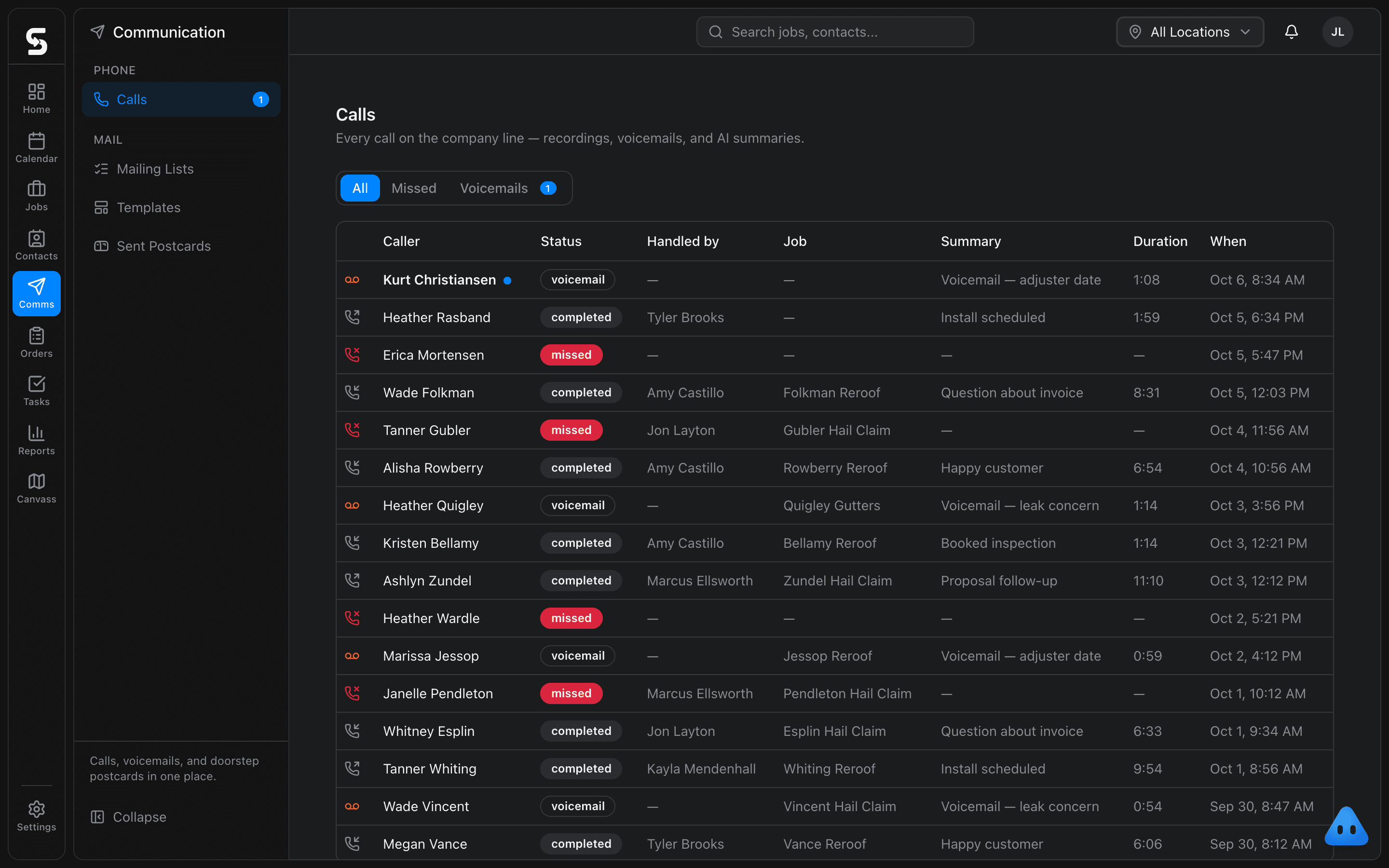
Every call on the record
Reps call from a company number, and every call, voicemail, and summary lands on the contact.
- Click to call from the browser or the app
- AI summaries of each call
- Call routing for your office
04
One page for the whole job
Contacts, photos, estimates, payments, work orders, and every note, so nobody digs through texts.
- Full activity history
- Messages on the job, for the office and for crews
The features behind it
More solutions
Run your next job on StageKit.
See it with your own workflow. We'll walk you through canvassing, proposals, production, and pay in 30 minutes.